Browser extension · Free to install

See any outfit
on yourself.

Fitboard puts clothes from any web page on you, in real time.
It works on Taobao, JD.com, and any other site.
Mix and match pieces from different stores, too.
Coming soon See how it works
3 free try-ons once you verify your email
item.taobao.com / women's knit cardigan, fall and winter
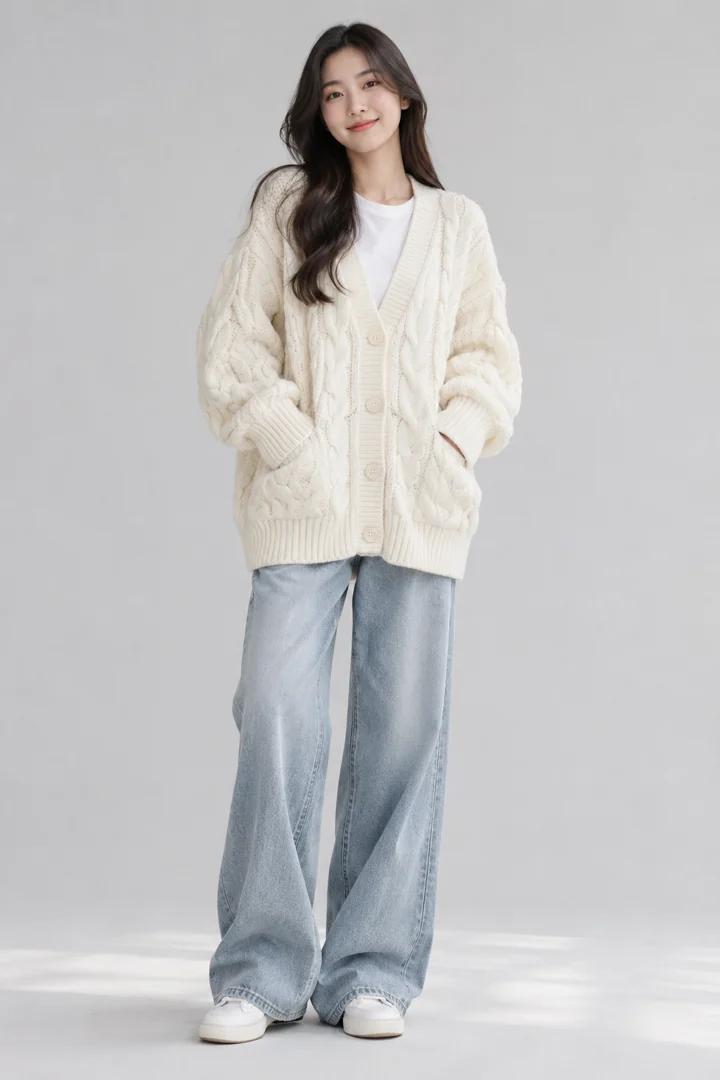
Model in a cream cable-knit cardigan and light blue wide-leg jeans3 items foundTry on
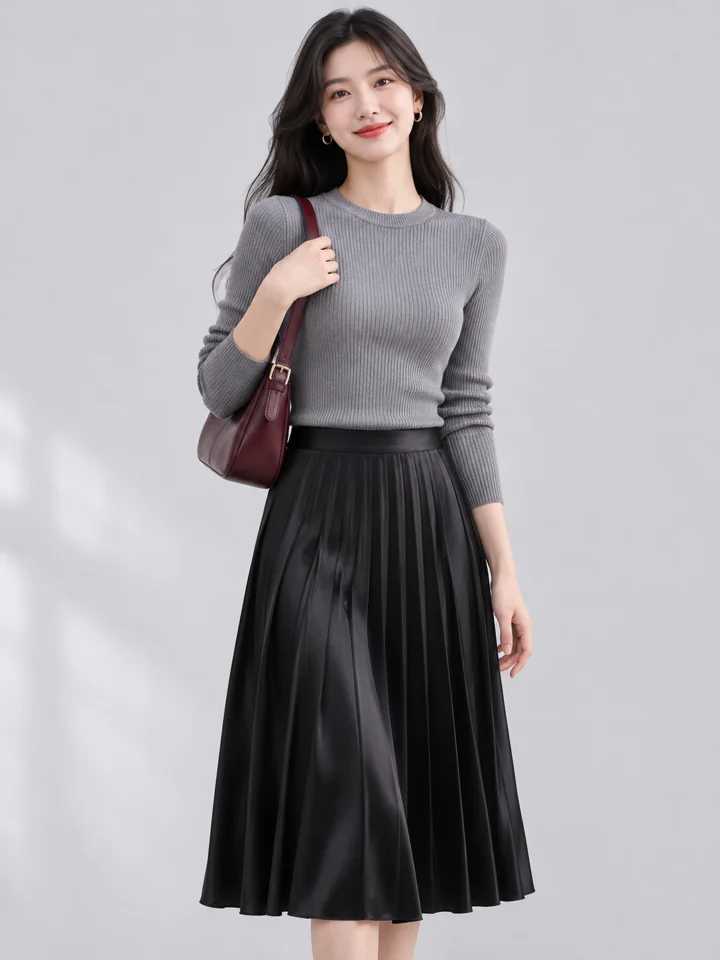
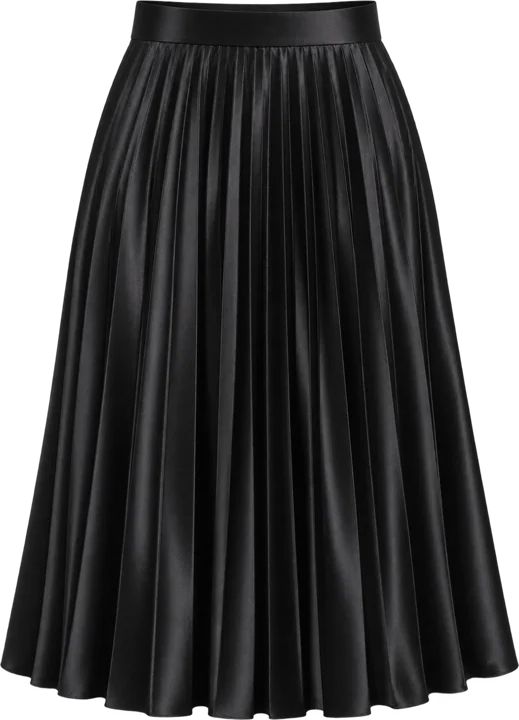
Model in a gray knit top and black pleated skirt
Coffee run4 items
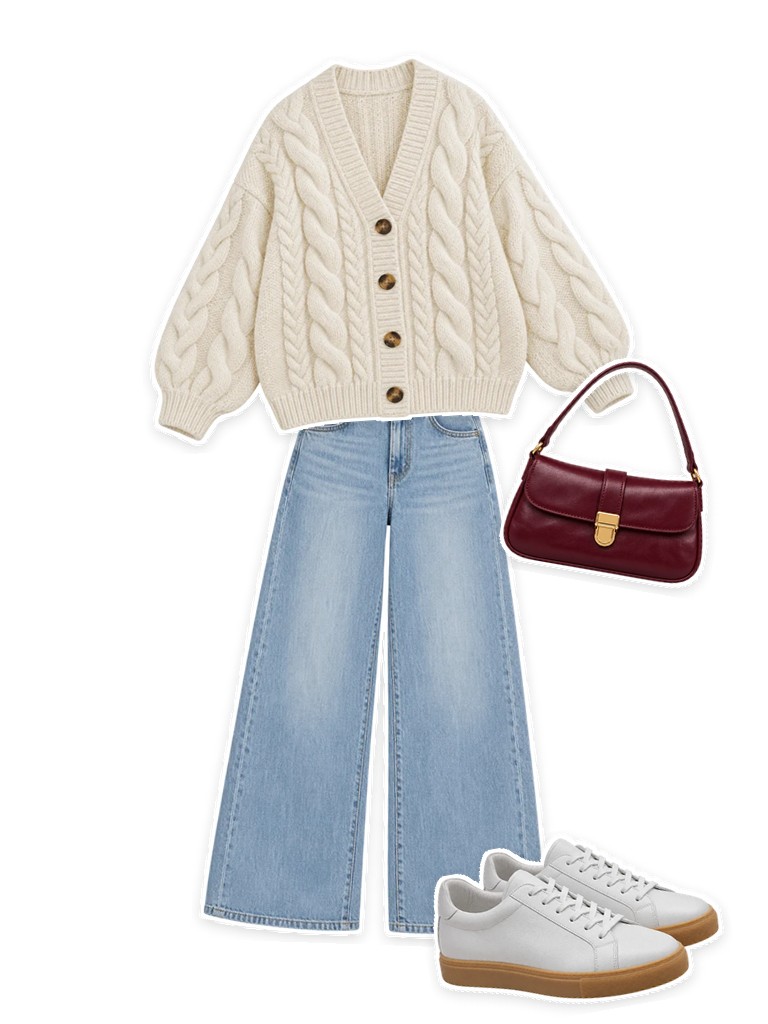
An outfit built from stickers: cardigan, jeans, sneakers, and shoulder bag
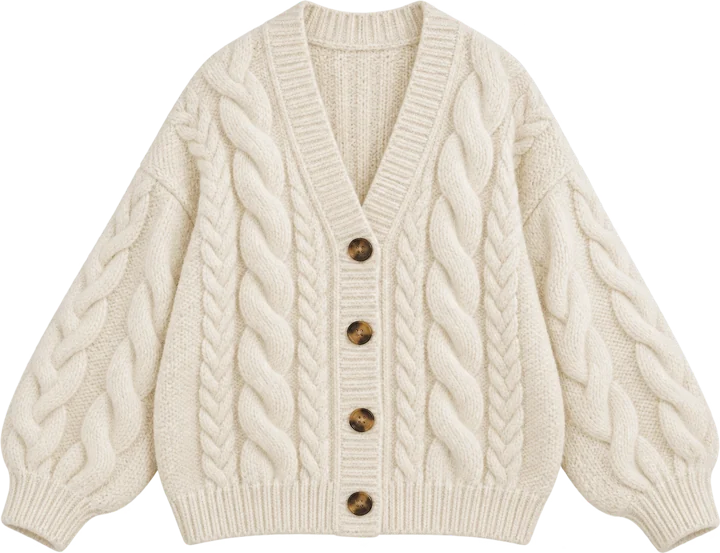
Cardigan saved from a web page as a sticker Saved as a sticker
Works on TaobaoTmallJD.comand any other web page (drag an image into the extension to save it)
How it works

See it on you in three steps, while you browse

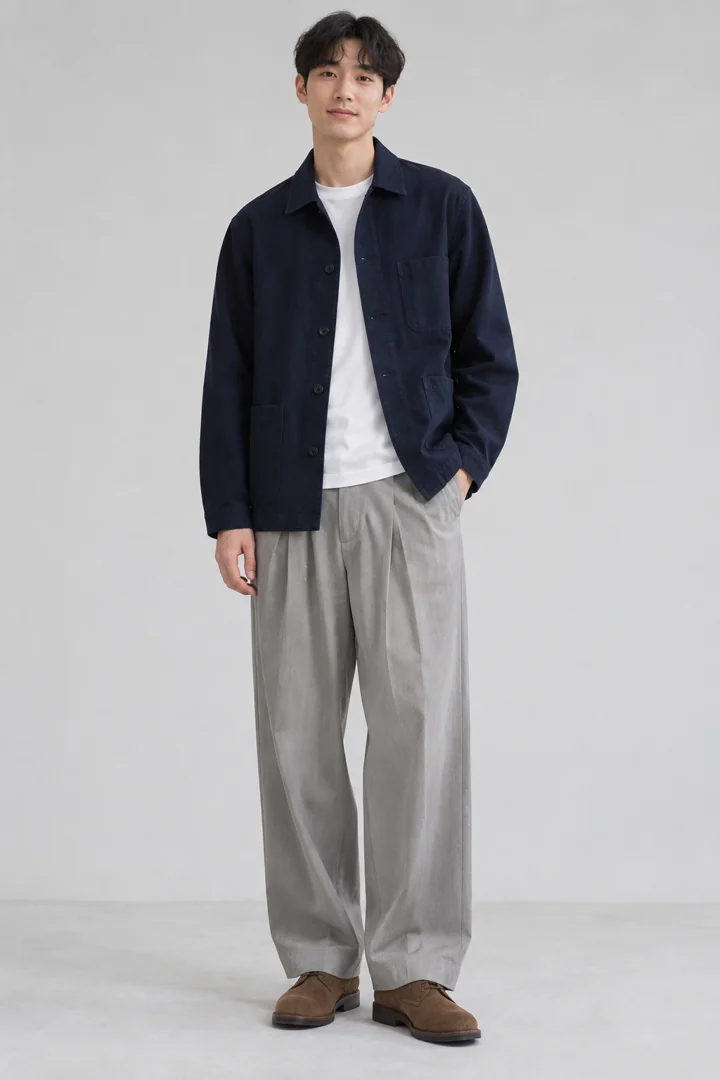
Menswear product photo outlined on the page3 items found
01

Scan

On a shopping page, click "Scan this page" and clothing gets outlined. A full look on a model can be split into items in one click.
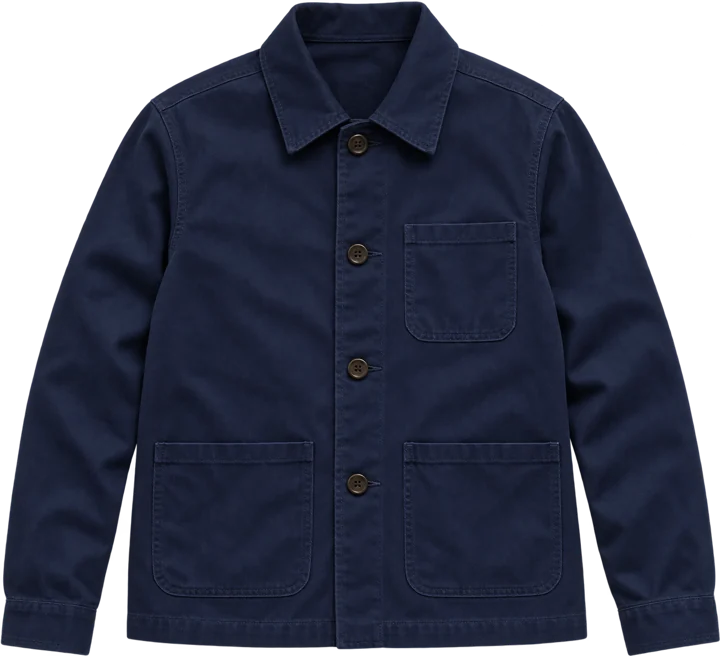
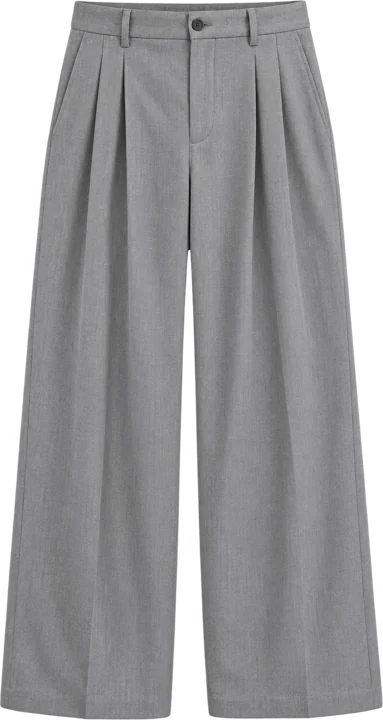
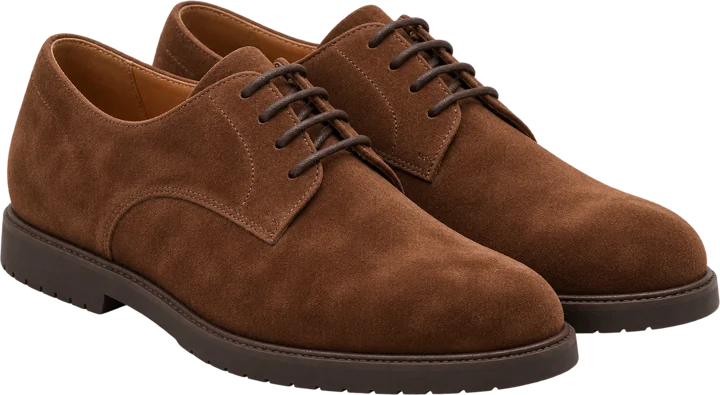
Work jacket sticker Wide-leg trousers sticker Suede derby shoes sticker
02

Save as stickers

The background comes off automatically and each piece becomes a sticker, filed in your wardrobe under tops, bottoms, shoes, or bags, with its product link.
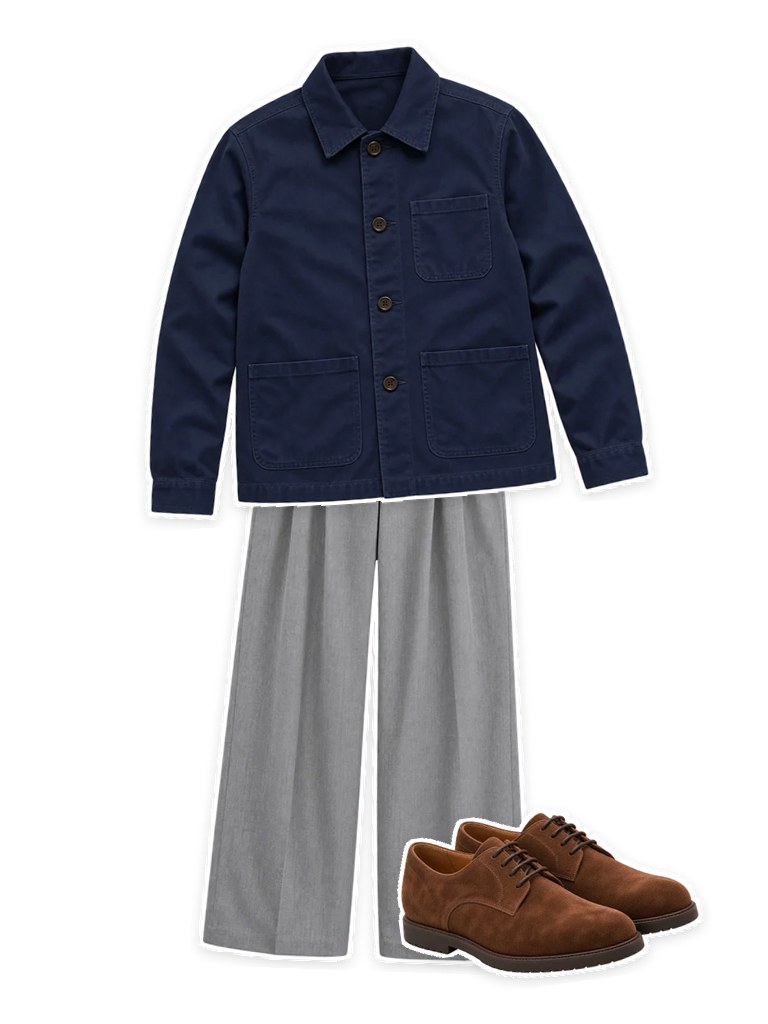
A finished menswear outfit
03

Build an outfit and try it on

Drag and rotate stickers to put a look together, then turn on your camera or use a full-body photo to see it on you in real time.

Sticker outfits

Style and collect the way you'd play with stickers

Drag pieces from your wardrobe onto the canvas and arrange them however you like.
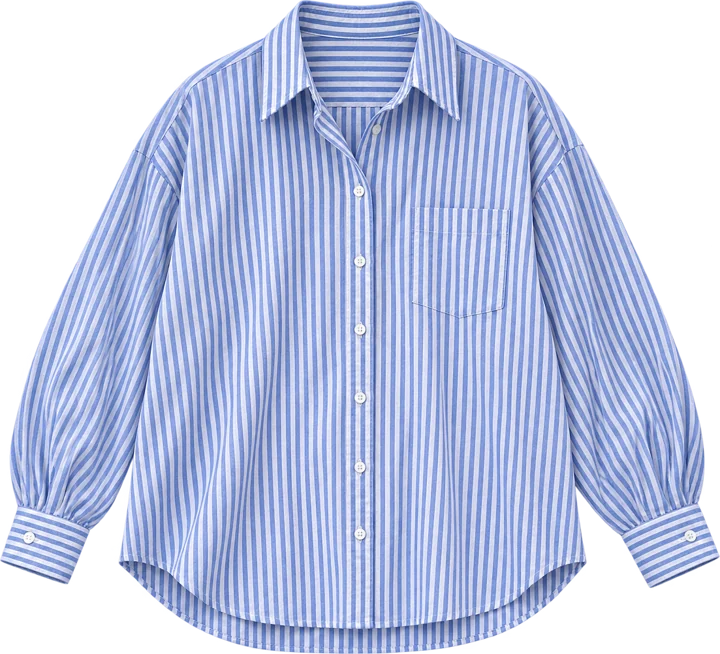
  • Drag, resize, rotate, flip, and reorder layers
  • Pin the piece you love and shuffle the rest
  • Try on a finished outfit in one click, or save it as an image
Women's sticker outfit: cardigan, jeans, sneakers, and shoulder bag arranged freely Men's sticker outfit: work jacket, wide-leg trousers, and derby shoes
Try-on · Cable-knit cardigan + wide-leg jeansDemo
Cardigan Striped shirt Pleated skirt Swap
Try-on · Work jacketDemo
Live try-on

Not a still image. A live view.

Turn on your camera or use a full-body photo. Turn around or swap a piece and the picture keeps up, with no need to start over.

  • Opens right on the shopping page, with no jumping to another site
  • Counted per try-on, not by the second: up to 60 seconds each, change as often as you like
  • Save a screenshot of a look you like and ask your friends what they think
More places

Try-on, beyond your own screen

The same try-on technology can power storefront displays, in-store mirrors, and interactive installations at tourist attractions. We want to bring try-on to these screens, and we'd love to hear from partners.
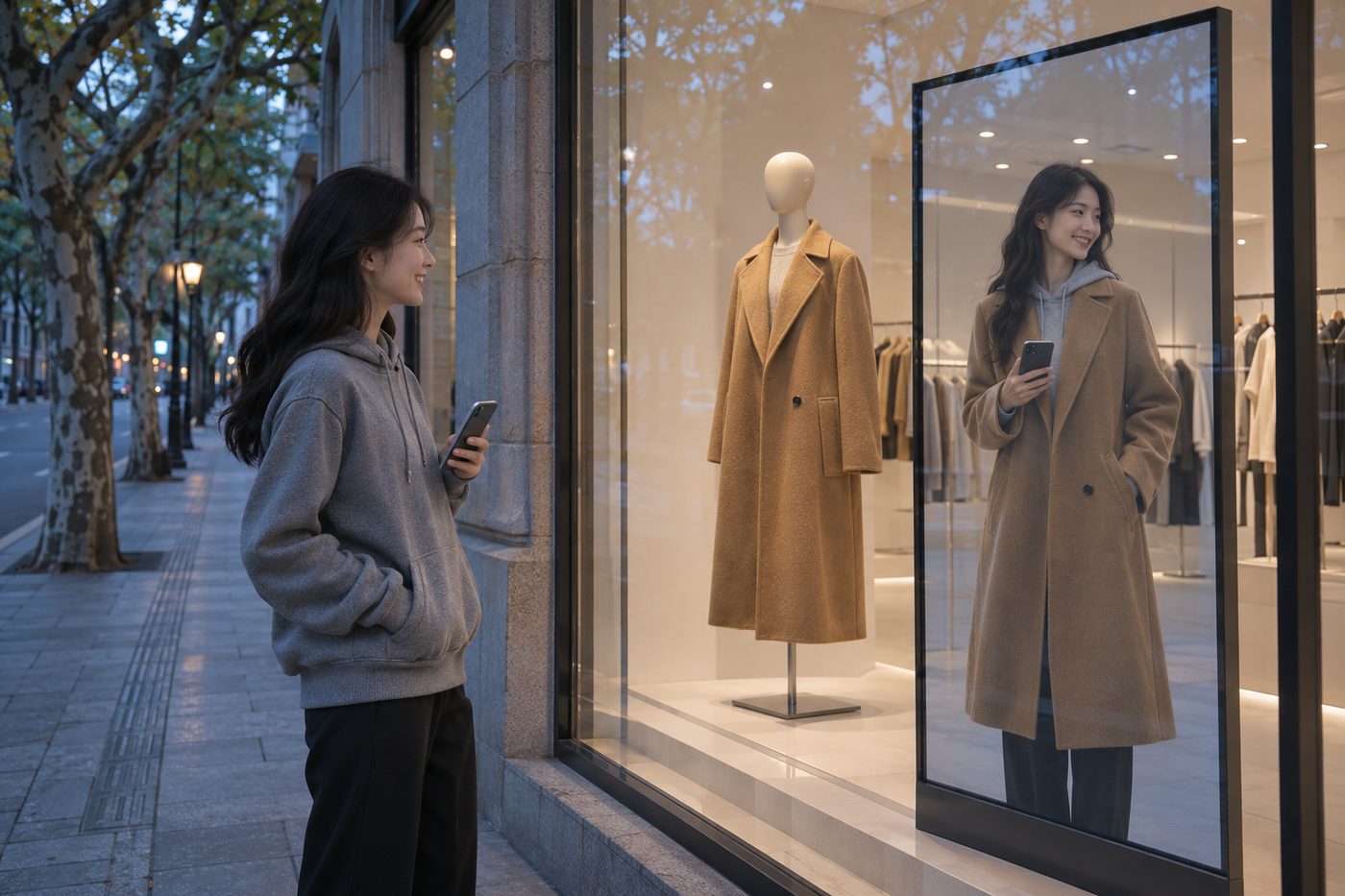
Concept image: on a vertical screen in a street-side shop window, a passerby in a gray sweatshirt appears wearing the camel coat from the window mannequin Concept · Planned
Storefront windowsA passerby stops and sees themselves on screen, already wearing the coat from the window.
Concept · Planned
In-store mirrorsNo line for the fitting room. Stand in front of the mirror, tap once, and your reflection is wearing it.
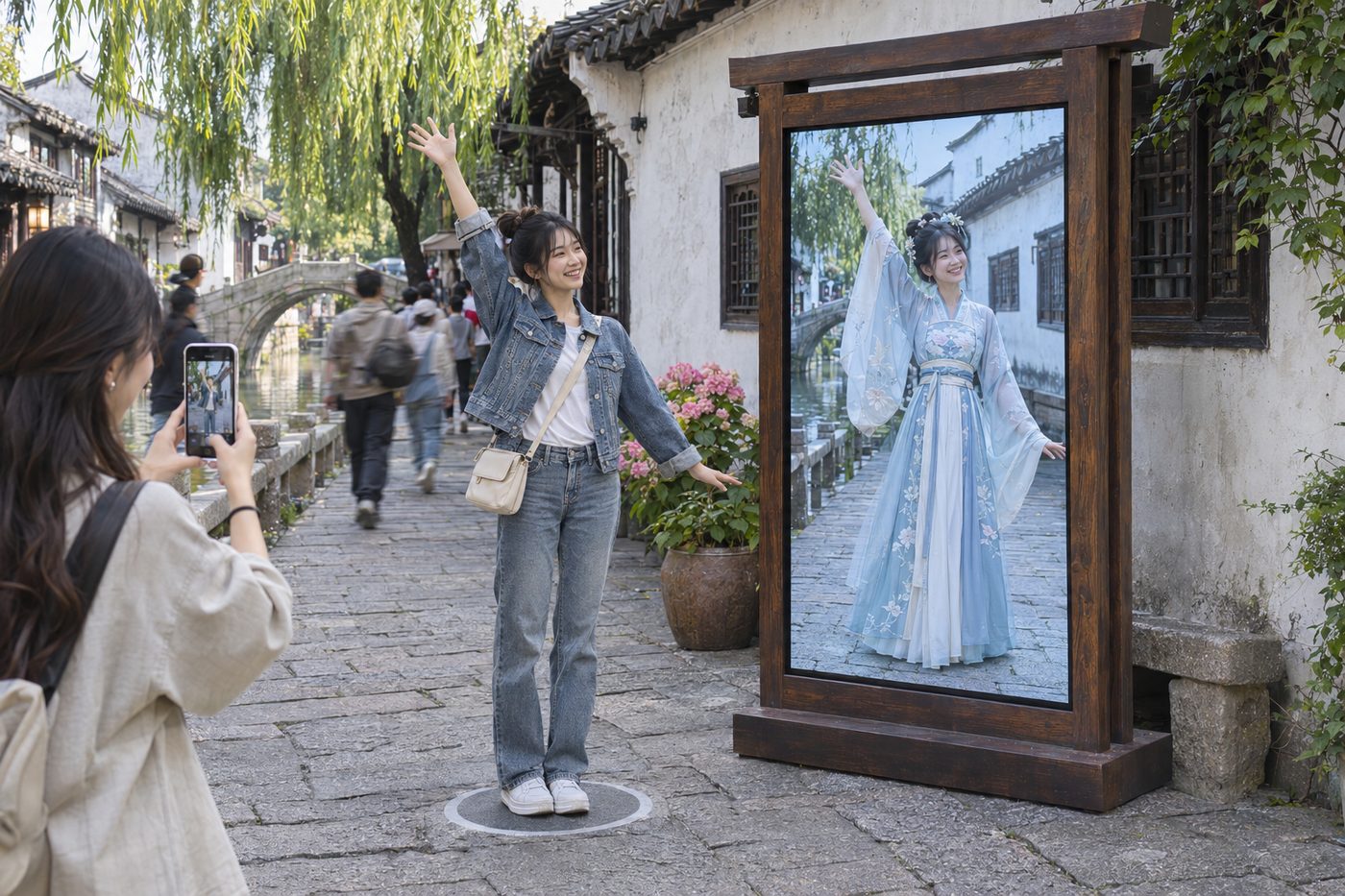
Concept image: on an interactive screen in an old-town alley, a visitor in a denim jacket appears in Song-dynasty hanfu while a friend takes a photo Concept · Planned
Interactive installationsStep onto the floor marker, change into Song-dynasty hanfu, and let a friend take the photo.
Partnerships

Want try-on on your screens?

Stores, malls, tourist attractions, expos, and brand events are all welcome. We're looking for our first pilot partners.

  • Storefront windows and fitting mirrors
  • Interactive installations at attractions and museums
  • Brand events and pop-up shops
  • Integration with your own app or mini program
Email
misakaikato@outlook.com
WeChat
misakaikato
Email us
Your photos and video

Use it with confidence. We work hard to protect your privacy.

Try-on video never touches our servers

Try-on video streams directly between your browser and the try-on service. Fitboard doesn't receive or store it.

Your photos, your call

Only photos you choose to upload to "My photos" are saved, and you can delete them anytime.

Nothing is scanned until you ask

The extension doesn't scan images when a page loads. It only processes them when you click "Scan this page".

Pricing
Free ¥0 3 free try-ons after you sign up and verify your email. Scanning, saving, cutouts, and outfits are free, with daily usage limits
Starter pack ¥9.9 20 try-ons, never expire, about ¥0.50 each
Bulk pack ¥59.9 140 try-ons, never expire, about ¥0.43 each

Each try-on lasts up to 60 seconds, and you can change clothes as often as you like. A failed connection doesn't use a try-on. Try-ons that end within 5 seconds, or that you're not happy with, can be refunded, subject to each pack's refund allowance. Prices shown in the extension take precedence.

FAQ

Which browsers are supported?

Chrome and other Chromium-based browsers such as Edge. Firefox, Safari, and mobile are planned.

What can I try on?

Menswear and womenswear: tops, bottoms, dresses, outerwear, shoes, and bags. Flat product shots and model photos both work, and model photos are split into items automatically.

What counts as one try-on?

A try-on starts when you begin and lasts up to 60 seconds. Changing clothes or outfits during that time doesn't count extra. Nothing is charged if generation never starts. Try-ons that end within 5 seconds are refunded automatically and count against your refund allowance.

Can I use it without a camera?

Yes. Upload a full-body photo to "My photos" and choose it when you start a try-on.

How do I report a problem?

Click "Feedback" at the top right of the extension and attach a screenshot if you like. Our replies appear under Profile, in your feedback history. If you can't sign in, email us.

Which languages are supported?

Simplified Chinese and English. It follows your browser's language, and you can switch manually in the extension.

Shop online. Try it on in your browser first.

Coming soon